210 At Home · Smart Home / Control4
One simple way to control the parts of home you use every day.
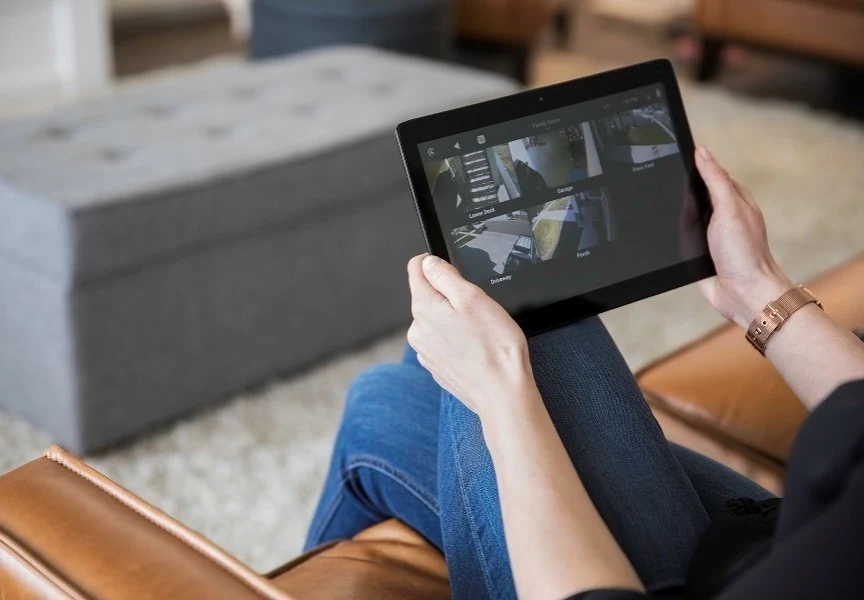
Control4 can bring compatible lighting, shades, audio, video, climate, and security into a coordinated experience. 210 begins with the home and the way you live, then verifies whether the platform and connected systems fit the project.
Customer intent
Begin with the system and outcome—not a product catalog.
210 evaluates what is installed or required, how it is operated, what access and documentation exist, and what can be supported responsibly.
Understand the environment
Start with the room, entertainment experience, control expectations, network, household workflow, and long-term service relationship.
Understand the environment
Use Control4 where current controllers, interfaces, entertainment, automation, supported integrations, and project scale fit the design.
Verify the design
Verify current X4 software, controller, subscription, interface, third-party driver, compatibility, and upgrade requirements for the specific project.
Verify the design
Coordinate displays, sources, audio, lighting, shades, climate, locks, cameras, and other approved integrations without promising universal compatibility.
Plan ownership
Document programming, accounts, network, racks, devices, warranties, remote access, and support ownership.
Plan ownership
Accept only projects that fit 210’s selective residential positioning, capabilities, schedule, geography, and service model.
Technical verification
Current facts are checked before recommendations are made.
Current official Control4 X4 experience, controller, app, entertainment, interface, subscription, and compatibility guidance reviewed August 23, 2026.
Project-specific compatibility, licensing, support status, legacy status, and requirements are verified again during design.
210’s role
The platform supports the outcome. 210 owns the design conversation.
The recommendation accounts for the room or building, users, infrastructure, network, documentation, lifecycle, and ongoing accountability.
Explore the related service →Start a Project
Tell us what you have and what you need it to do.
Include known products, versions, symptoms, documentation, location, and the outcome you are trying to reach.